

I’m the author of this page, so take this as a “here’s what I built and what I learned” post rather than a neutral review.
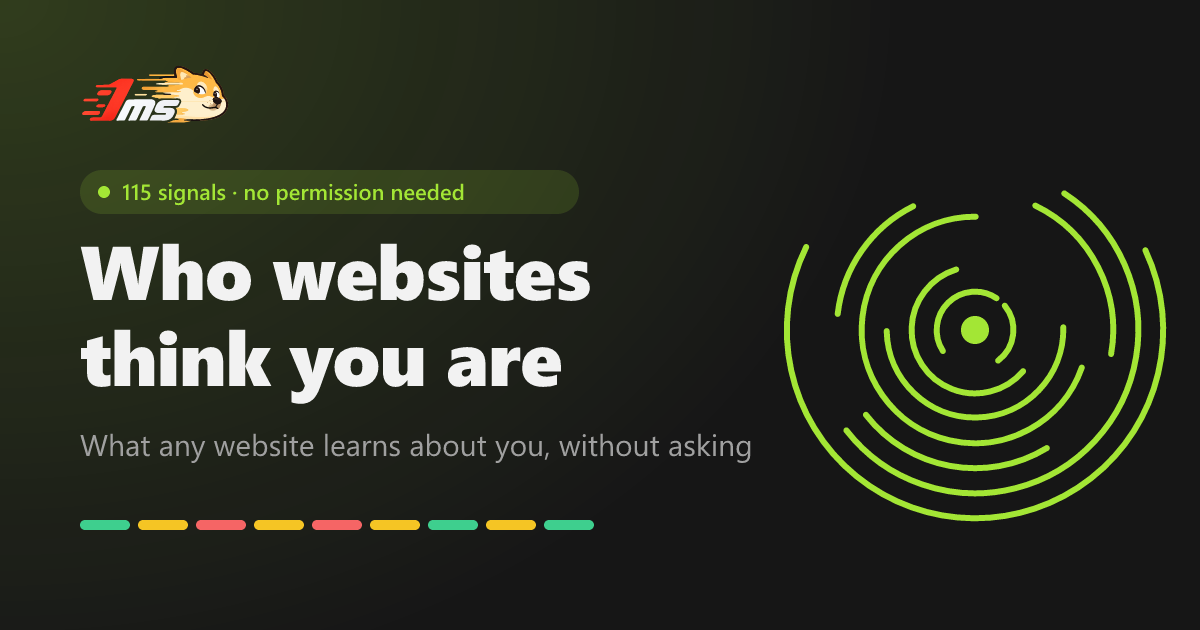
Who Are You shows what any website can read about a visitor without a single permission prompt, then writes it back as a plain-language portrait (“you’re on X, in time zone Y, your DNS resolver is in Z…”). It currently reads 118 signals, split into what the server sees from the request and what JavaScript sees in the page.
A few things from building it that might be useful to other web devs:
- The server half is bigger than people expect. Before any JS runs, the request already carries IP, ASN, approximate city and coordinates, the IP’s time zone, TLS version and HTTP protocol. On Cloudflare a lot of that comes straight from
request.cf. Comparing that with what the page reports (system time zone,navigator.languages) is where most “you’re using a proxy” verdicts come from. - Spoofing extensions only change what JS reads. An extension that overrides the user agent or time zone patches
navigatorin the page, but the request headers stay the same, and a Web Worker often still reads the original values. Comparing the window with a Worker catches a lot of tampering. - Fingerprint bits aren’t independent. A 4K screen and a high-end GPU tend to come together, so the page doesn’t multiply per-signal rarity. It counts the whole fingerprint against anonymous aggregate counts (no IP, no full fingerprint, no per-visit record).
- Some leaks aren’t in the browser at all. WebRTC and DNS leaks, a direct-vs-proxied split, the extra round trip a proxy adds, and the TCP/TLS fingerprint of whatever actually wrote the packets. Changing the user agent doesn’t touch any of those.
Each finding comes with a short “how to fix”, and there’s a mode for people who only care about privacy rather than appearing to be somewhere else.
Link: https://who.1ms.dog/ (also in zh, ja, ko, es, fr, de, pt, ru). It’s part of the 1ms.dog set of free network tools. The main repo is public (github.com/yt1988/1ms.dog), but the code for this page isn’t published yet, so I’m not calling it open source.
Disclosure: I’m 香蕉痞 Yang, I made it, and I used an AI assistant to help with the English. If you find a signal it reads wrong, or a check I’m missing, I’d really like to hear it.
Is this a new spam account?
Yeah they’re spamming their AI slop all over
Fair question. The account is new (made it this week), but it’s a real person: I’m the author of the page and said so in the post. I’m not running other accounts here, and I’ll stick around to answer questions or take criticism. If posting your own tool in c/webdev feels off-topic, tell me and I’ll keep it to comments.
If I’m being honest it still sounds like I’m talking to an AI model, but regardless of that, I think people would rather have you post to AI specific communities instead. If one doesn’t exist I suppose you can consider creating it, like
c/ai_webdevor whatever.Fair enough, and thanks for the straight answer rather than just a downvote. Point taken: I won’t post it to more general communities here. If I share anything again it’ll be somewhere that’s explicitly fine with AI-assisted projects.
